Oh my… What did you do, Apple? It’s been almost three months since I joined the streaming platform, switching from my old-time favorite Swedish app, Spotify, and unfortunately, I had to cancel my subscription and go back to the true king.
- Switching to Apple Music wasn’t exactly easy
- Apple Music’s interface is uncomfortable
- Losing all my playlists… and those loading times!
- Give this service the award for bad recommendations it deserves
- I feel I’m in a game that has no players online
- Apple Music doesn’t miss on quality
- The features worth talking about
- Pricing (solo listening and family plans)
A few months ago, I got my first Mac Mini M4. With that, Apple gave me a 3-month trial for most of its services, including Apple Music and TV+. Of course, I got the offer, and fully excited, I immediately launched Apple Music to try it out.
For the first time in my life, instead of living in Microsoft’s ecosystem or completely secured using Linux, I was finally deep into Apple’s world. Not just that, but I had access to the company’s most popular services, and I had three months to learn how to use them, find their pros and cons, review them, and maybe completely switch to them.
Switching to Apple Music wasn’t exactly easy
I switched to Apple Music a few months before they released their own built-in feature that lets you connect to Spotify and migrate all your playlists automatically. Before that, you either had to re-create everything from the ground up or use a third-party service to migrate your data.
Fortunately enough, I found a website that let me transfer all my playlists from Spotify to Apple Music within minutes and completely for free. Unfortunately, the first attempt didn’t end up well, because the service was unable to pull any playlist that was set to ‘Private’, so I had to delete them manually from Apple Music, make those playlists public, and redo the process.
Now, it’s easier than ever to transfer all your music from Spotify to Apple Music, and you can do that by visiting the web version of Apple Music (the native still doesn’t offer it).
Apple Music’s interface is uncomfortable
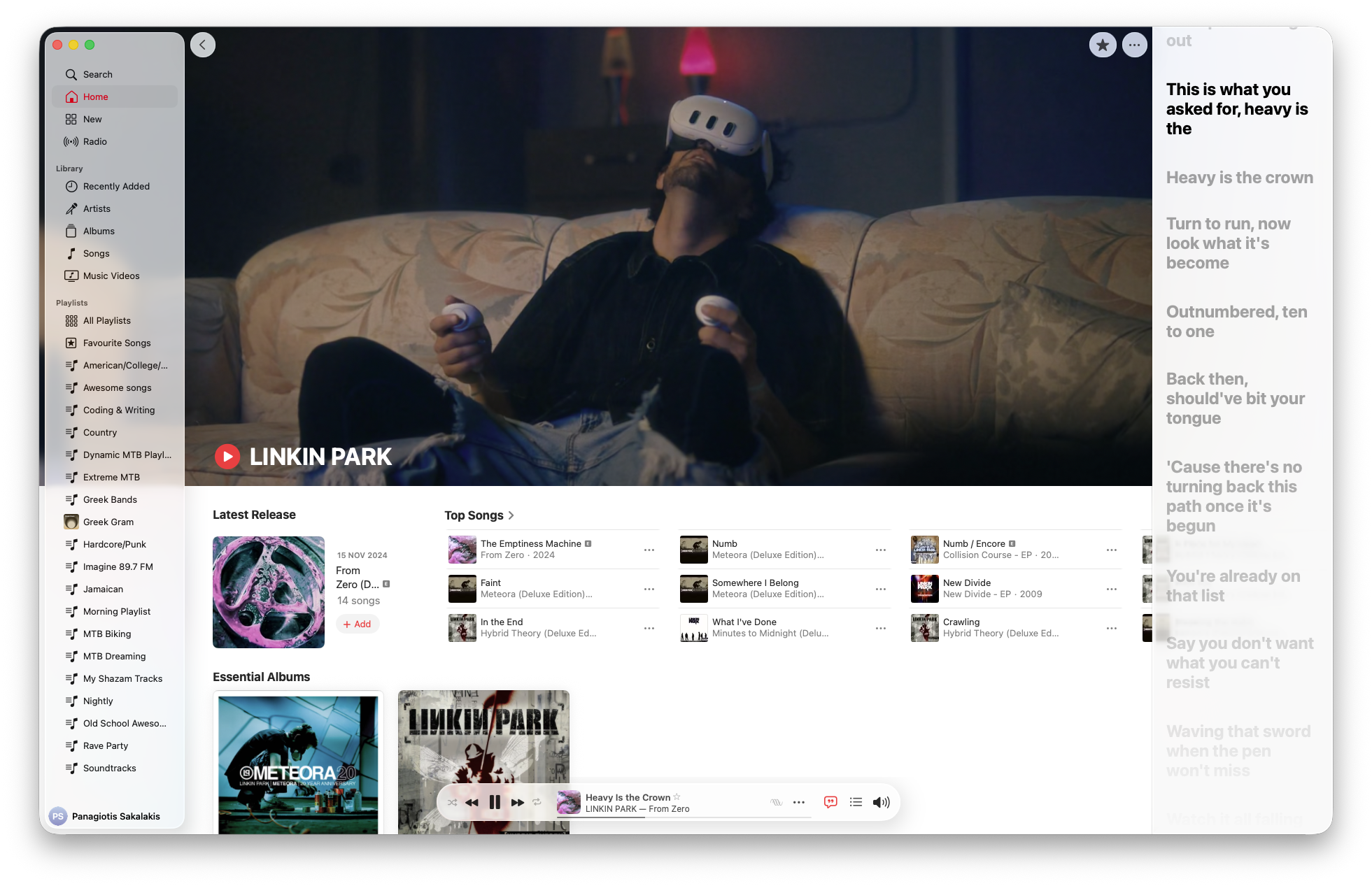
I know, Apple is known for doing things differently. I felt that when I first tried macOS and iOS, but when it came to its streaming platform, it was too much. For starters, in the older versions, the player was placed at the top, which was absolutely frustrating for me. I don’t want it to the top, I want it placed on the bottom of the screen. Why is that difficult to give me that simple choice?
Then again, you couldn’t just click on the artist name or album and visit that page. Oh no, Apple wants you to right-click on the song, scroll to the right option, and then click on it. Nice.
The UI also misses specific options that Spotify has, such as adding a song to the current playlist by clicking on the ‘+’ icon (whenever it shuffles plays). To do that, you’ll either have to right-click again or select the three dots, and then find and select the right playlist.
When you have as many playlists as I do, all of them organized in folders and sub-folders, searching for them by scrolling is not an option for me. With Spotify, if I want to add a song to a different playlist, I can right-click, search without selecting anything, and just hit Enter.
Even after three months of using the streaming platform, I wasn’t able to familiarize myself with Apple’s interface, and most of the time, I felt I was wasting more time trying to find or add a song somewhere, rather than actually enjoying my music.
Losing all my playlists… and those loading times!
But Apple’s design isn’t actually the worst thing: The Music Library.musiclibrary file is. What’s that, you may ask? Well, that’s basically Apple Music’s “map” that tells the platform where all your playlists and songs are. If you accidentally delete it from macOS, you’re starting again from scratch.

I can see that most people report that this file is located inside the “Music” folder, but for me, it was placed on my desktop (maybe it was a setting I didn’t see). But after two months of using Apple Music, I deleted this file without being aware of what I was doing, and that’s when I lost everything I’d done, all the songs I’d found, all my playlists, everything gone.
Ironically, that wasn’t the moment that I figured out why I lost all my songs and playlists. I was in a hurry, and because I had to leave the house and wanted to listen to some music, I quickly downloaded Spotify again. When I found the time and started researching, I found out it was the Music Library.musiclibrary file that was missing.
I tested it, and if you delete the file, you lose everything. If you go to your Trash or restore a backup using the Time Machine app. You don’t have a backup, and you permanently deleted the file from the Trash? Well, you’re out of luck.
Now, although Apple does offer a sync feature that syncs everything to the cloud, instead of re-downloading all the songs I lost, Apple Music automatically deleted them from my iPhone, too. Couldn’t find a way to restore my playlists and songs, so I ended up re-uploading all my playlists from Spotify once again and trying to find the songs I lost.
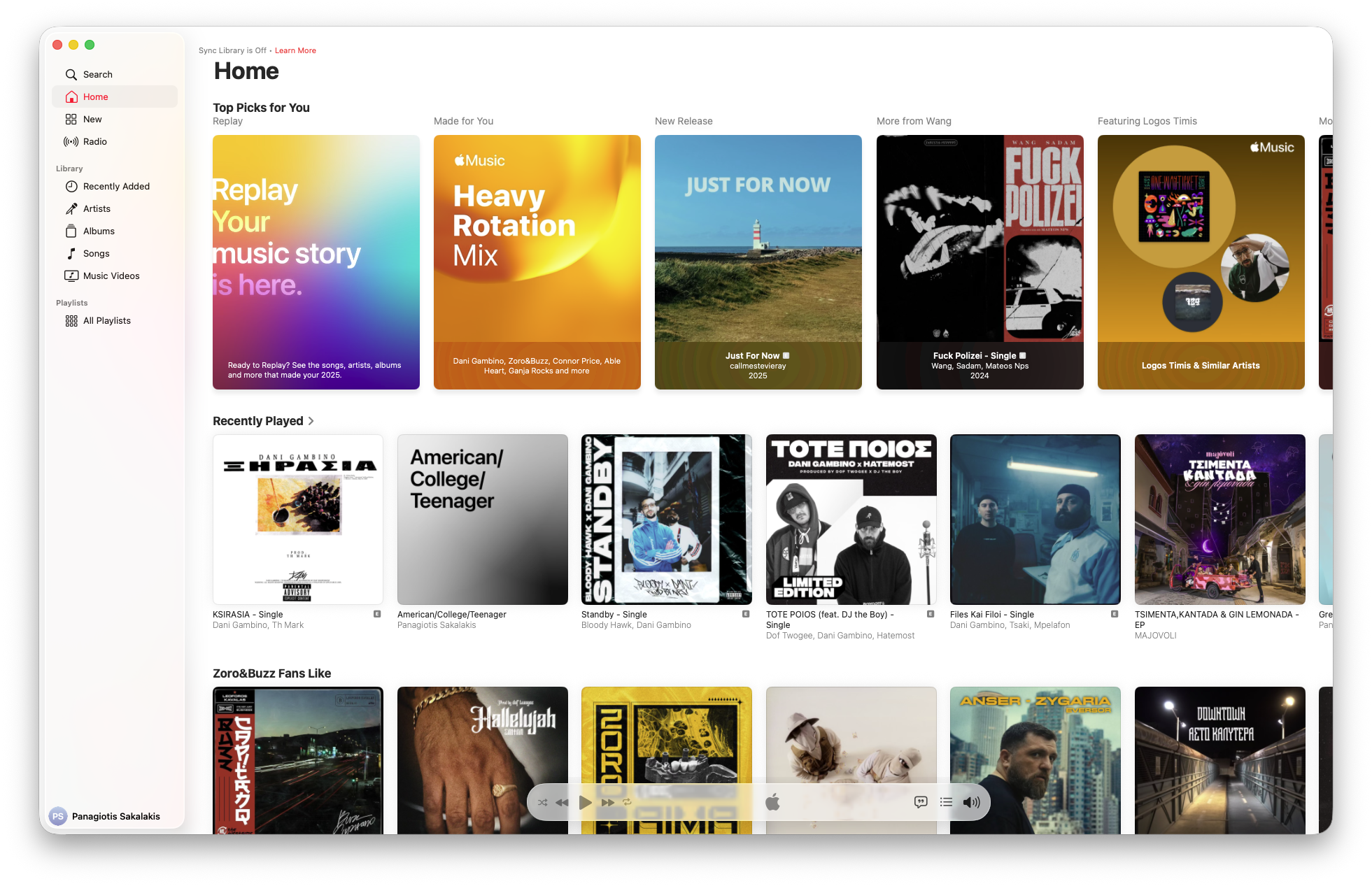
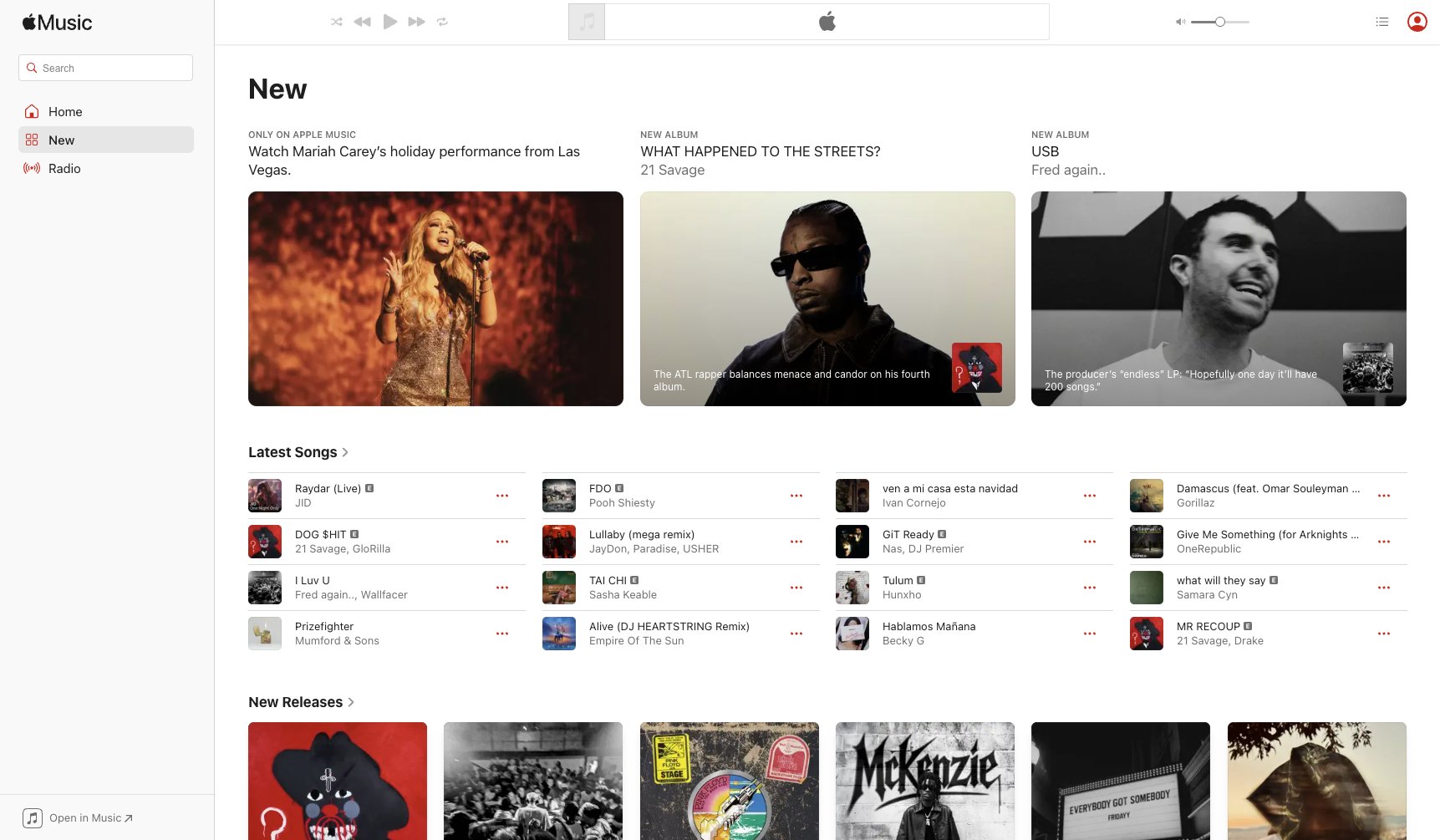
Last but not least, I want to talk about performance. It’s crazy to me that such a popular streaming platform is so slow at loading all the thumbnails, songs, and my folders and playlists each time I launch the app. Whenever I visit other pages, such as the ‘Home‘, ‘New‘, ‘Radio‘, just to name a few, it takes a few seconds until the platform loads all the thumbnails, titles, etc.
Sure, it’s not taking years to load, but in an era where people leave an e-commerce store if it takes more than 2 seconds to load, speed does matter. And hey, why did I pay for the latest Mac Mini M4 and plus for a monthly paid service if I constantly have to look at loading icons?
Give this service the award for bad recommendations it deserves
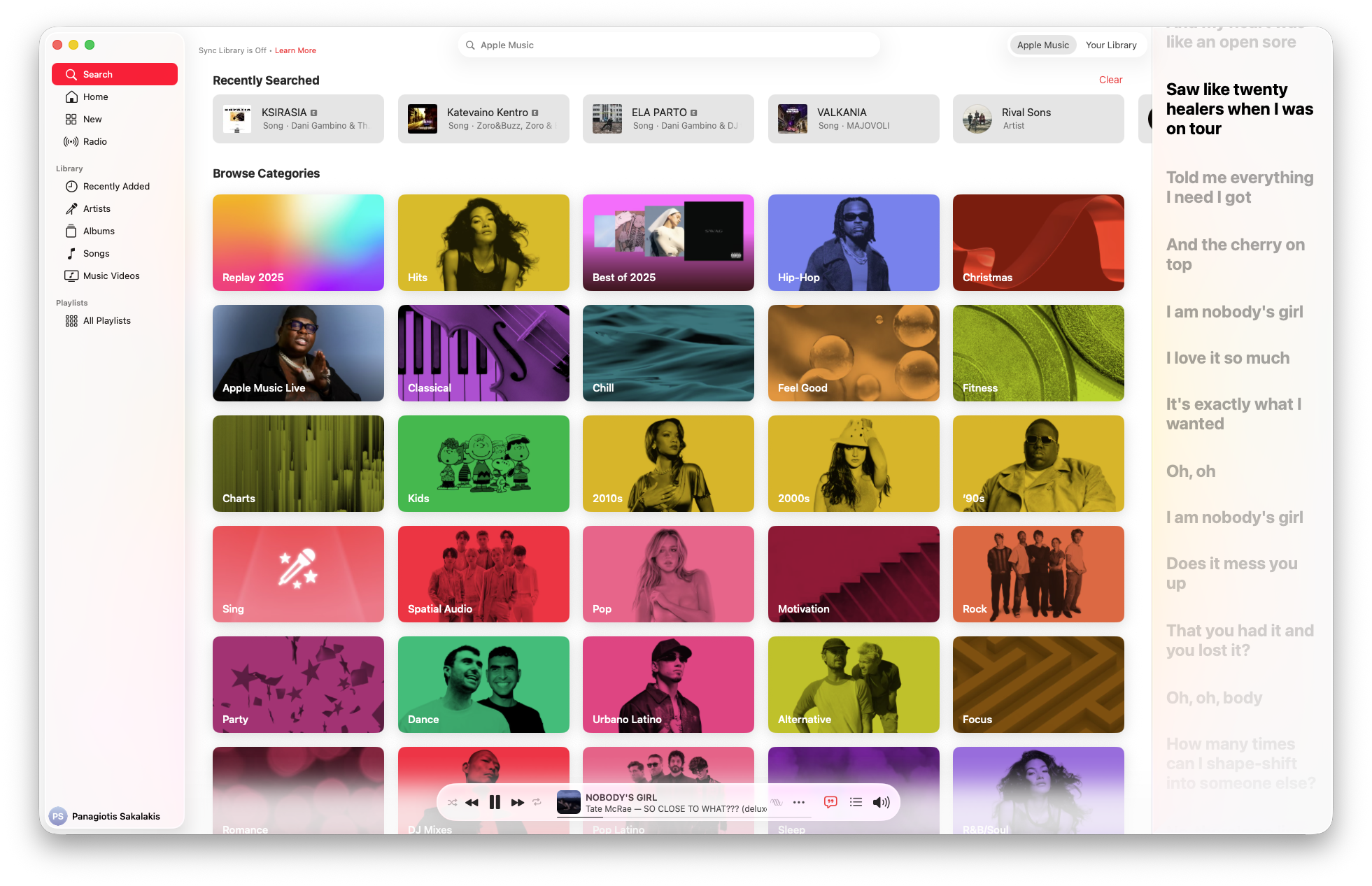
Spotify acquired a company called The Echo Nest in 2014. This gave them a “sonic fingerprint” for millions of songs. They don’t just know that you like “Rock”; they know you like “140 BPM, distorted guitar, lo-fi production, minor key, 1990s aesthetic.” They map music mathematically. When they recommend a song, it’s because 50,000 other people who have your exact listening habits didn’t skip it.
Apple bought Beats and hired famous DJs (like Zane Lowe) and music journalists. Their philosophy was, “Algorithms are soulless; you need a human to tell you what’s good.” That sounds noble, but it doesn’t scale. A human editor in California doesn’t know that you specifically like sad indie folk only when it rains on Tuesdays. Apple is trying to force “Taste” on you, while Spotify is just mirroring your own dopamine triggers back at you.
Spotify has a terrifying amount of data on what you hate. Every time you skip a song on Spotify within the first 30 seconds, their algorithm panics and learns. It creates a “negative profile” for you.
Apple Music, heavily focused on privacy and the “album experience,” historically treated the “Skip” button as a casual suggestion rather than a command. Apple assumes you’re skipping because you aren’t in the mood right now; Spotify assumes you made a mistake and vows never to hurt you again. Spotify has a decade-long head start on “Skip Data,” which is arguably more valuable than “Like Data.”
If you look at the metadata (tags) behind the scenes:
- Apple Music uses traditional genre tags: Pop, Rock, Alternative, Hip-Hop.
- Spotify uses thousands of “Micro-Genres” (e.g., Escape Room, Shimmer Pop, Stomp and Holler).
When you finish a song and autoplay starts:
- Spotify grabs a song from the exact same micro-genre.
- Apple Music looks at the generic tag “Rock” and queues up Foo Fighters. Apple’s bucket is too big. You’re listening to a specific underground sub-genre, and Apple throws a Top 40 hit at you because technically, they are both “Alternative.”
Apple Music is also built on the corpse of iTunes. iTunes was designed for ownership; you bought an album and listened to it from front to back. The software is architected around a “Library” of files. Spotify was designed for access, a stream of endless noise.
I feel I’m in a game that has no players online
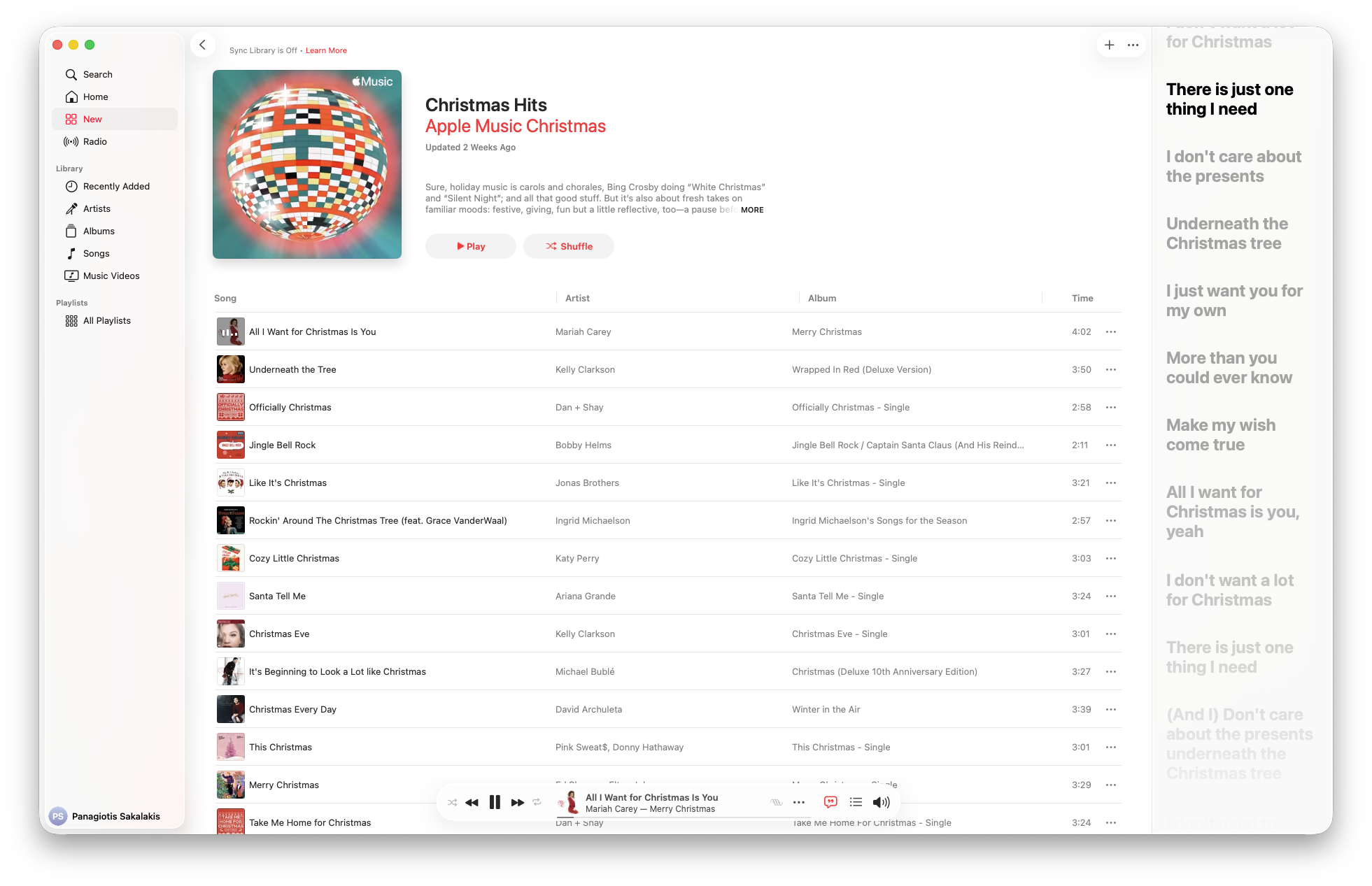
Like an empty online server in a game that has no active players, when I fleet Spotify, I found that Apple Music was, in a way, a very lonely place. But let me explain, because there’s a really good reason behind that feeling, even if it sounds a bit weird.
One of the first things that I loved about Spotify was its recommendations. You see, Spotify’s recommendations are incredible because they are powered by Collaborative Filtering on a massive scale. They look at user playlists. If User A and User B have 90% identical libraries, and User A adds a new obscure track, Spotify instantly feeds it to User B.
Apple Music has almost zero social ecosystem. Nobody shares Apple Music playlists. Because Apple makes it hard to be social (no public playlist search that works well, no live friend activity), their algorithm is flying blind. They are trying to recommend music based on your library alone, whereas Spotify is recommending music based on everyone’s library.
When I went back on Spotify, I found out that most of my friends had already updated our shared playlists with new songs, and I felt I was once again back in a game filled with players.
Apple Music doesn’t miss on quality
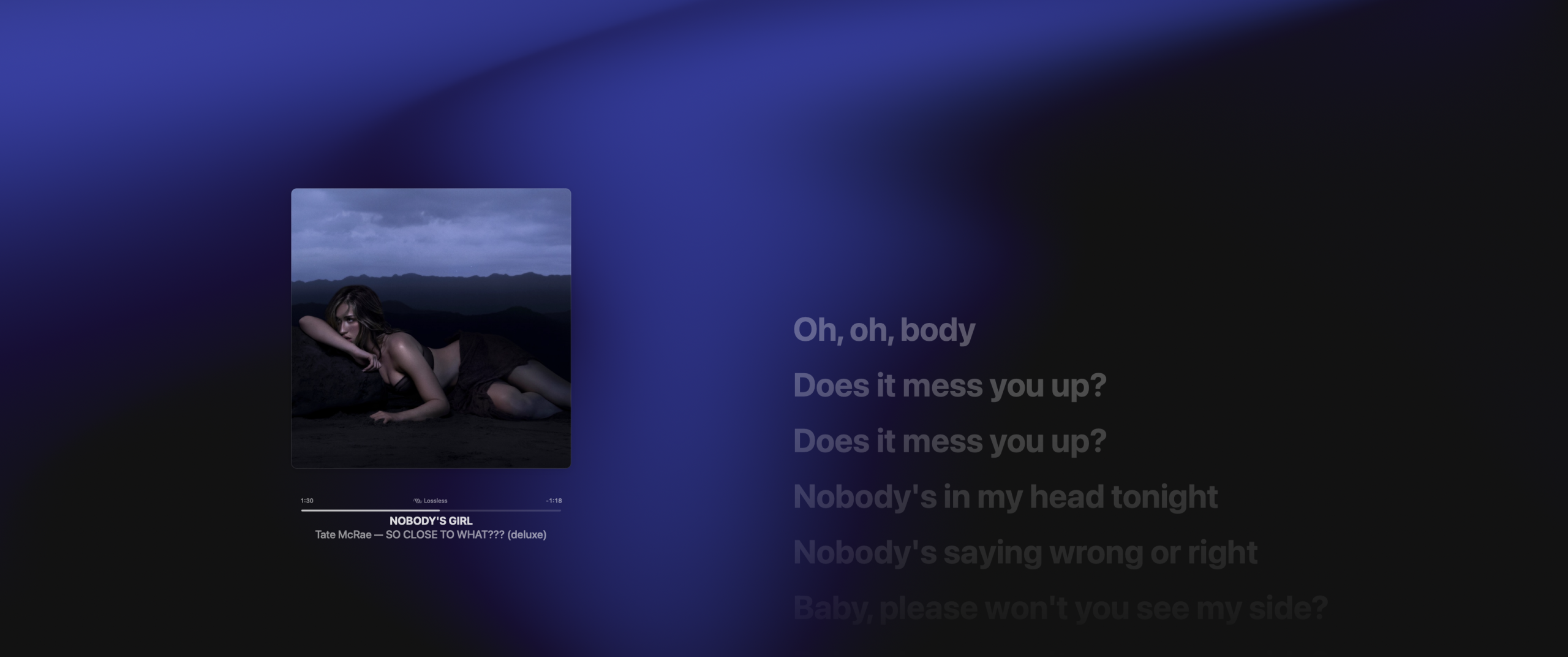
Finally, it’s time to mention the strongest point of this app: the quality it offers. Unlike Spotify, Apple Music. offers superior audio quality compared to Spotify due to the specific file formats and technologies they use, particularly “Lossless” audio and “Spatial Audio.”
The biggest difference lies in how the music is compressed to travel over the internet to your phone. Spotify currently maxes out at 320 kbps (kilobits per second) using a compression format called Ogg Vorbis (or AAC for web). This is “lossy” compression. To make the file small enough to stream quickly, the algorithm throws away data it thinks your ear won’t notice. It’s like a JPEG image: it looks fine at a distance, but if you zoom in, it gets pixelated.
Apple Music offers its entire catalog in Lossless resolution. This starts at CD quality (16-bit/44.1 kHz) and goes up to Hi-Res Lossless (24-bit/192 kHz). “Lossless” means zero data is thrown away. The file is perfectly mathematically identical to the source file the artist uploaded.
But, here’s something that not many people know (if they use Apple Music believing it makes a difference in quality): If you’re using Bluetooth headphones, don’t expect a huge difference in quality. That’s because Bluetooth cannot transmit Hi-Res Lossless data (it doesn’t have the bandwidth). So, even on Apple Music, the audio is compressed again to fly through the air to your ears.
However, Apple’s AAC codec is very efficient with Apple devices, often sounding cleaner than Spotify’s Ogg Vorbis. But when it comes to wired headphones or speakers, this is where Apple Music wins easily. If you plug in decent headphones or use a DAC (Digital-to-Analog Converter), the difference in detail, clarity, and dynamic range is noticeable.
It’s worth noting that, before streaming existed, Apple had a program called “Mastered for iTunes.” They forced studio engineers to follow strict guidelines when submitting music to ensure it sounded good when converted to digital formats. Spotify, on the other hand, receives whatever files the distributor sends them.
The features worth talking about
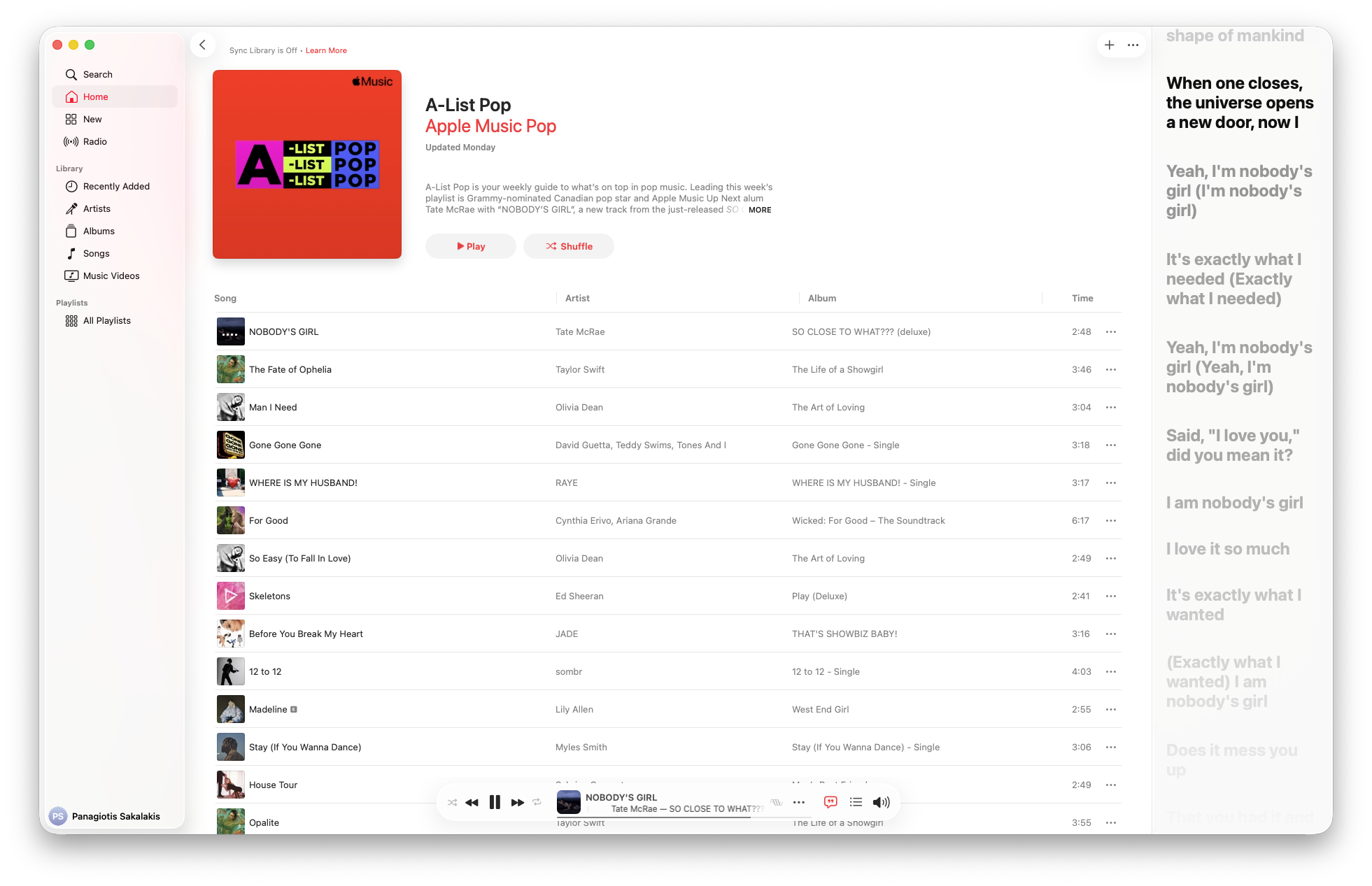
While I find Apple Music missing many great features and options, I’m always giving credit where it’s due. As I mentioned earlier, Spotify can’t beat Apple Music on quality, and as an owner who uses his Marshall Mode EQ wired in-ears along with a professional DAC, the difference between these two streaming platforms is almost always noticeable.
If you’re into classical music, then you’re going to love Apple Music. While the metadata for classical music is usually a nightmare for Spotify (e.g., is the “artist” the composer, the conductor, or the orchestra?), Apple Music has specialized search (search by opus number, conductor, key, etc.), higher bitrate streaming, and exclusive detailed liner notes. And for that, it’s widely considered the best classical streaming experience in the world right now.
The platform also supports Lyrics for most songs, but where it shines is with its karaoke machine, which you can use to lower the singer’s voice or mute it completely using its AI feature that isolates the voices in songs, among many others.
Pricing (solo listening and family plans)
If you just bought a new iPhone, Mac Mini, MacBook, or another Apple product, then you’ll instantly get a 3-month free trial period. Apple Music is, of course, included in that offer, but for other folks who don’t own a device, you can get 3 months for just $0.99.
The cheapest plan, called ‘Individual‘, starts at $0.99 for 3 months for new subscribers, then $10.99 per month. If you’re a student, you get the first month for free, and then it’s $5.99 per month, while for families it is priced at $16.99 per month for 5 family member accounts.
All plans currently include the following:
- Over 100 million songs, ad‑free and available to download for offline listening.
- Spatial Audio and lossless audio quality.
- Exclusive artist access and curated playlists.
- Free access to the Apple Music Classical app.
- Works on iOS, Android, Windows, Sonos, smart TVs, and more.
Students also get an Apple TV+ subscription completely for free, included in their plans, so make sure to set up the streaming service later.